La tarjeta para sus criptomonedas con hasta un 10% de cashback. Y sí, ¡es gratis!
Desde el café de la mañana hasta las compras del fin de semana, WhiteBIT USD Card facilita el uso diario de sus activos digitales.
Obtenga su tarjeta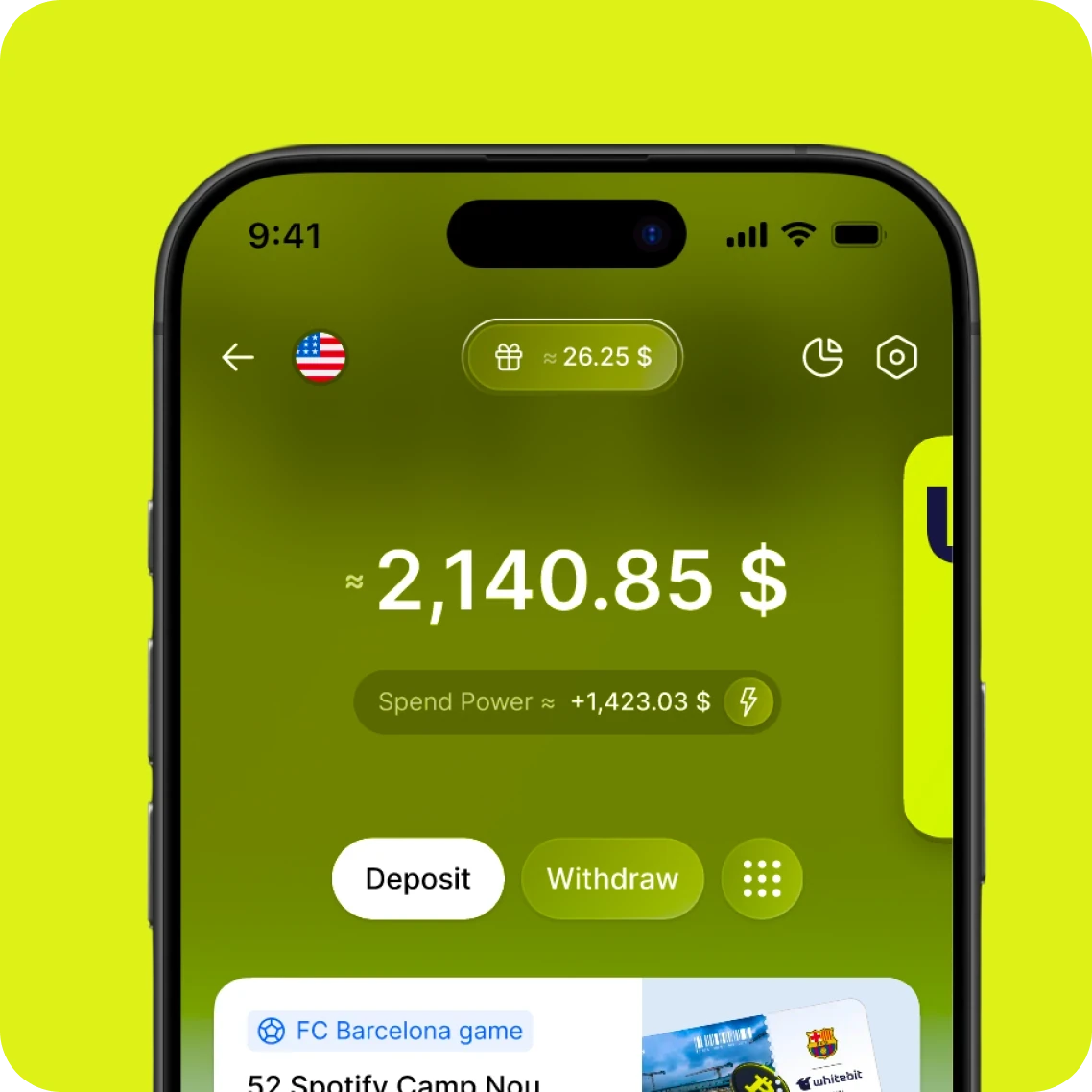
Gaste sus criptomonedas en dólares — en cualquier lugar donde se acepte Visa.
Tap & pay 0%Monthly payment 0$Card opening 0$CoinCashbacks 0%Top up fee 0%
Tap & pay 0%Monthly payment 0$Card opening 0$CoinCashbacks 0%Top up fee 0%
Tap & pay 0%Monthly payment 0$Card opening 0$CoinCashbacks 0%Top up fee 0%
Tap & pay 0%Monthly payment 0$Card opening 0$CoinCashbacks 0%Top up fee 0%
Toque y listo — Pague con WhiteBIT USD Card en cualquier lugar, en cualquier momento
Añada su tarjeta a Apple Pay o Google Pay y toque para pagar en cualquier lugar.





WhiteBIT USD Card: Para los momentos de cada día
Sienta la comodidad de gastar sus criptomonedas como lo haría con cualquier otra moneda. Ya sea que esté tomando un café en su cafetería favorita, comprando alimentos o pagando la visita al veterinario de su mascota, WhiteBIT USD Card se adapta perfectamente a cualquier rutina diaria.
Pague el almuerzo con criptomonedas

Starbucks
Pague con criptomonedas para el taxi

Uber
Pague con criptomonedas por hoteles

Booking
Gane cashback real en BTC en sus compras diarias
Elija hasta tres categorías de gasto que se adapten a su estilo de vida y comience a acumular reembolsos a medida que avanza

Seguro, estable, fiable
Comparta nuestro éxito vendiendo tecnologías de vanguardia del futuro
Asistencia de alta calidad 24/7
96% de los activos en billeteras frías
Resistimos los ataques de hackers con WAF
Todos los activos verificados con el sistema AML
Cumplimos con los estándares contra el lavado de dinero y del Grupo de Acción Financiera Internacional (FATF)
Gane recompensas invitando a amigos, hasta 50 USDC
Comparta su enlace único de invitación con sus amigos y gane cada vez que se unan. ¡Más invitaciones, más premios!
Obtenga su tarjetaRecompensa del Programa de invitación

Recompensa del Programa de invitación

Recompensa del Programa de invitación

Recompensa del Programa de invitación

Recompensa del Programa de invitación

Abra su cuenta en línea en tan solo unos minutos
- Paso 1
Regístrese para obtener una cuenta en la aplicación móvil WhiteBIT
Descargue la aplicación y facilite información básica sobre usted.
- Paso 2
Verifique su identidad, sin videollamadas
Para asegurar su cuenta, complete un sencillo proceso de verificación de identidad (KYC). Este paso garantiza la seguridad de sus fondos e información personal.
- Paso 3
Prepare su tarjeta para usarla
Complete la solicitud de la tarjeta. Está en camino de acceder a todos los beneficios de nuestra tarjeta.
Actividades promocionales
Códigos promocionales exclusivos y cashback adicional para titulares de WhiteBIT USD Card
Más para sus criptomonedas
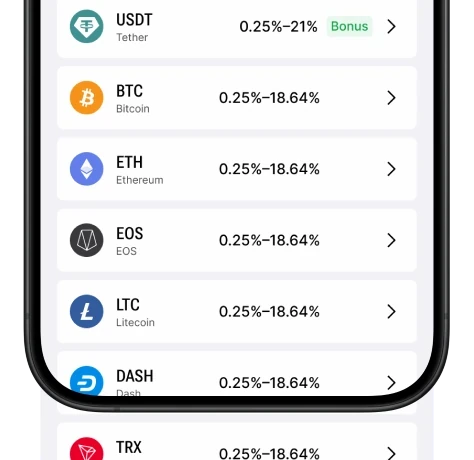
Obtenga hasta un 17.71% prestando sus criptomonedas
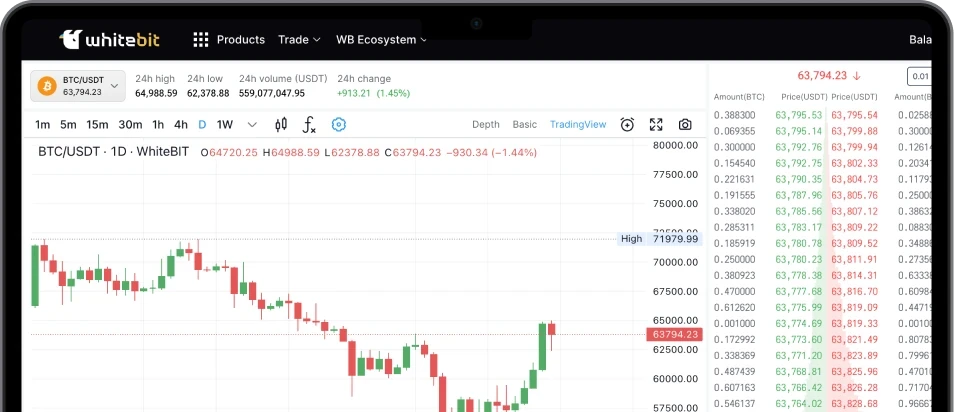
Comercie con criptomonedas sin problemas
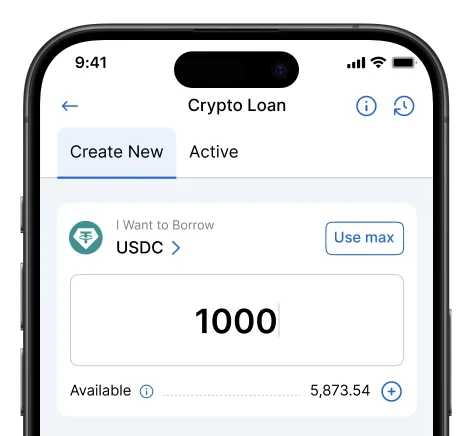
Pida prestado criptomonedas para cualquier necesidad
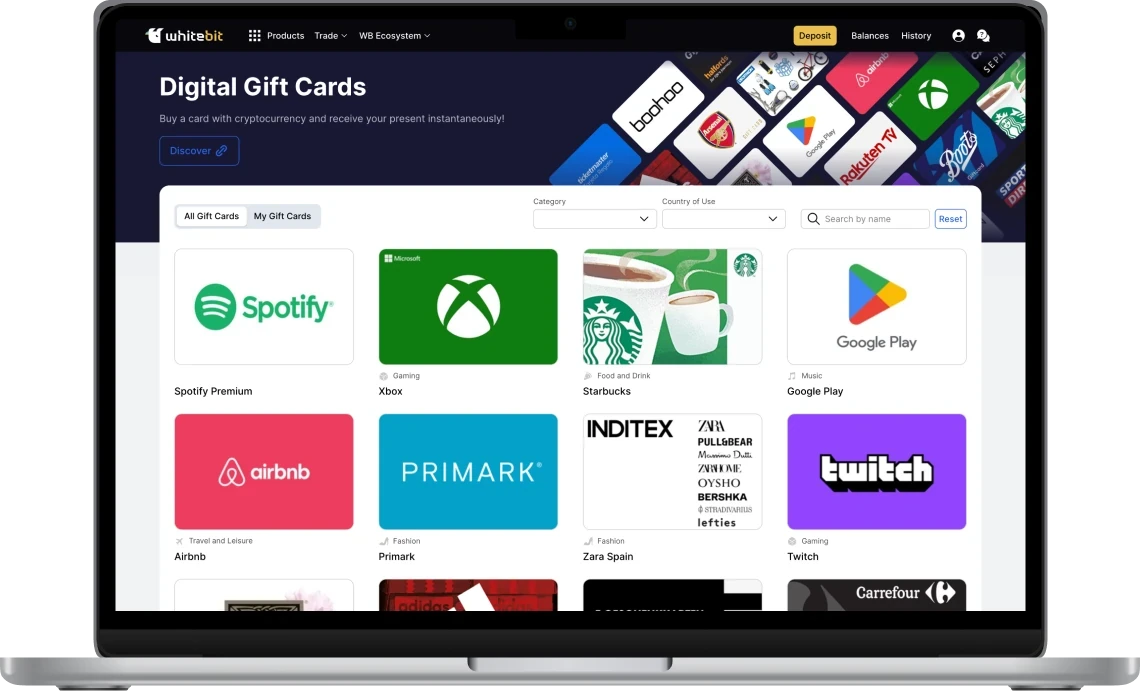
Compre Gift Cards digitales
FAQ
Hemos recopilado respuestas a algunas de las preguntas más frecuentes de los usuarios
Para solicitar una WhiteBIT USD Card, los usuarios deben tener una cuenta en whitebit.com, cumplir los requisitos de elegibilidad de la tarjeta y completar un proceso de verificación adicional. Cuando WhiteBIT USD Card esté disponible para su cuenta, vaya a la sección Tarjetas, seleccione Cuenta USD o WhiteBIT USD Card y siga los pasos necesarios. Una vez completada y aprobada la verificación, recibirá una tarjeta virtual lista para usar. No habrá lista de espera para WhiteBIT USD Card.
WhiteBIT USD Card admite criptoactivos elegibles que pueden utilizarse para realizar gastos desde su cuenta de tarjeta, incluidos USDT, USDC, BTC, ETH, XRP, SOL, NEAR, ADA, AVAX, WBT, EURI y DOGE. Todas las conversiones de WhiteBIT USD Card se procesan en USD. Podrá gestionar la configuración de sus activos y consultar los activos disponibles directamente en la aplicación.
Sí. WhiteBIT USD Card incluye una comisión por transacción del 1 % + 0,20 USD. También puede aplicarse una comisión de conversión del 1,5 %. No hay comisiones por emisión de la tarjeta, recargas, cierre de la tarjeta, inactividad ni mantenimiento mensual. Consulte siempre las comisiones y límites más recientes en la interfaz de la tarjeta.
El cashback de WhiteBIT USD Card sigue la misma lógica que WhiteBIT Nova: se obtiene en compras realizadas en tres categorías seleccionadas al día. Las categorías pueden incluir gastos cotidianos como taxis, suscripciones, compras, restaurantes y cafeterías, además de otras categorías elegibles. La tasa de cashback es la misma tanto si elige Bitcoin (BTC) como WhiteBIT Coin (WBT). Puede cambiar sus categorías de cashback una vez cada 7 días. El cashback se acumulará en su cuenta y los cálculos de cashback de WhiteBIT USD Card se realizarán en USD.
WhiteBIT USD Card utiliza las medidas de seguridad de WhiteBIT, incluidas 2FA, autenticación biométrica y verificación mediante Passkey. Las cuentas y transacciones de los usuarios se supervisan para detectar actividad sospechosa y ayudar a prevenir accesos no autorizados. Los usuarios pueden gestionar su tarjeta directamente en la aplicación, incluido bloquearla y desbloquearla, con autenticación biométrica o verificación mediante PIN para una mayor seguridad. La información de la tarjeta, incluidos los datos de transacciones y los datos de la tarjeta, está cifrada y protegida por la infraestructura segura de WhiteBIT.
WhiteBIT USD Card está destinada a los usuarios de WhiteBIT Global en whitebit.com y estará disponible para usuarios de todos los países, excepto los incluidos en la lista restringida. WhiteBIT USD Card no está disponible para usuarios de los siguientes países y territorios: Afganistán, Argelia, Barbados, Burkina Faso, Burundi, Camboya, las Islas Caimán, Camerún, la República Centroafricana, la República Democrática del Congo, Egipto, Guinea Ecuatorial, Guinea-Bisáu, Haití, Irán, Irak, Jamaica, Jordania, Corea del Norte, Líbano, Libia, Malí, Marruecos, Mozambique, Myanmar, Nicaragua, Níger, Nigeria, Pakistán, Palestina, Panamá, Filipinas, Rusia, Arabia Saudí, Senegal, Somalia, Sudán del Sur, Sudán, Siria, Zimbabue, Trinidad y Tobago, Túnez, Turquía*, Uganda, los Emiratos Árabes Unidos*, Uzbekistán, Vanuatu, Venezuela y Yemen. Si su país está incluido en la lista restringida o su cuenta no cumple los requisitos del producto, no podrá solicitar la tarjeta. Si WhiteBIT USD Card está disponible para su cuenta, la verá en la interfaz o recibirá una notificación de WhiteBIT.
Si la información actual de su cuenta no es suficiente para abrir una WhiteBIT USD Card, deberá completar un proceso de verificación adicional. Durante la verificación, es posible que se le solicite un documento de identidad, un selfi, un cuestionario sobre sus gastos y el origen de los fondos, y un comprobante de dirección residencial. Si su país o la información de su KYC no cumple los requisitos de WhiteBIT USD Card, es posible que no pueda solicitar la tarjeta. En ese caso, WhiteBIT le notificará los próximos pasos o futuras actualizaciones sobre la disponibilidad.
Las opciones de gestión de WhiteBIT USD Card estarán disponibles directamente en la aplicación de WhiteBIT. Podrá consultar los datos de su tarjeta, bloquearla o desbloquearla, gestionar las categorías de cashback, revisar los límites de transacción, consultar el historial de transacciones y acceder a los términos y condiciones de la tarjeta. En el momento del lanzamiento, la aplicación de WhiteBIT no incluirá un botón para añadir automáticamente la tarjeta a Apple Wallet o Google Wallet. Sin embargo, podrá añadir manualmente su WhiteBIT USD Card en la aplicación Apple Wallet o Google Wallet introduciendo los datos de su tarjeta.
WhiteBIT USD Card is issued in partnership with JSC Hash Bank. By ordering a card you agree to the Términos y condiciones.